


InternVL2-2B
OpenGVLab · OpenGVLab/InternVL2-2B
Weights license: MIT · code and components may use other terms
Quality
No comparable score
We track no public, comparable benchmark that covers this model yet. No score is inferred.
Reported by the publisher
- DocVQA test
- 86.9InternVL2-2B · Image Benchmarks
- ChartQA test
- 76.2InternVL2-2B · Image Benchmarks
- InfoVQA test
- 58.9InternVL2-2B · Image Benchmarks
- TextVQA val
- 73.4InternVL2-2B · Image Benchmarks
- OCRBench
- 784InternVL2-2B · Image Benchmarks
- MME sum
- 1,876.8InternVL2-2B · Image Benchmarks
- RealWorldQA
- 57.3InternVL2-2B · Image Benchmarks
- AI2D test
- 74.1InternVL2-2B · Image Benchmarks
Every reported result
- MMMU val
- 36.3InternVL2-2B · Image Benchmarks
- MMBench-EN test
- 73.2InternVL2-2B · Image Benchmarks
- MMBench-CN test
- 70.9InternVL2-2B · Image Benchmarks
- CCBench dev
- 74.7InternVL2-2B · Image Benchmarks
- MMVet GPT-4-0613
- 44.6InternVL2-2B · Image Benchmarks
- MMVet GPT-4-Turbo
- 39.5InternVL2-2B · Image Benchmarks
- SEED-Image
- 71.6InternVL2-2B · Image Benchmarks
- HallBench avg
- 37.9InternVL2-2B · Image Benchmarks
- MathVista testmini
- 46.3InternVL2-2B · Image Benchmarks
- OpenCompass avg
- 54.0InternVL2-2B · Image Benchmarks
- MVBench
- 60.2InternVL2-2B · Video Benchmarks
- MMBench-Video 8f
- 0.97InternVL2-2B · Video Benchmarks
- MMBench-Video 16f
- 1.03InternVL2-2B · Video Benchmarks
- Video-MME w/o subs
- 45.0InternVL2-2B · Video Benchmarks
- Video-MME w subs
- 47.3InternVL2-2B · Video Benchmarks
- avg.
- 77.7InternVL2‑2B · Grounding Benchmarks
- RefCOCO (val)
- 82.3InternVL2‑2B · Grounding Benchmarks
- RefCOCO (testA)
- 88.2InternVL2‑2B · Grounding Benchmarks
- RefCOCO (testB)
- 75.9InternVL2‑2B · Grounding Benchmarks
- RefCOCO+ (val)
- 73.5InternVL2‑2B · Grounding Benchmarks
- RefCOCO+ (testA)
- 82.8InternVL2‑2B · Grounding Benchmarks
- RefCOCO+ (testB)
- 63.3InternVL2‑2B · Grounding Benchmarks
- RefCOCO‑g (val)
- 77.6InternVL2‑2B · Grounding Benchmarks
- RefCOCO‑g (test)
- 78.3InternVL2‑2B · Grounding Benchmarks
Values as printed on the card, with the publisher's own settings (card section: Performance › Image Benchmarks; Performance › Video Benchmarks). Not comparable across publishers and not used in any ranking. Model card
Runs on
Fast memory holds it 119
The planning estimate fits the memory the model can use quickly: graphics card VRAM, or unified memory within the macOS GPU share.
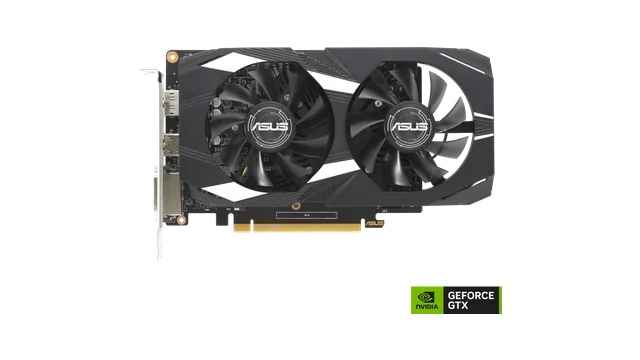

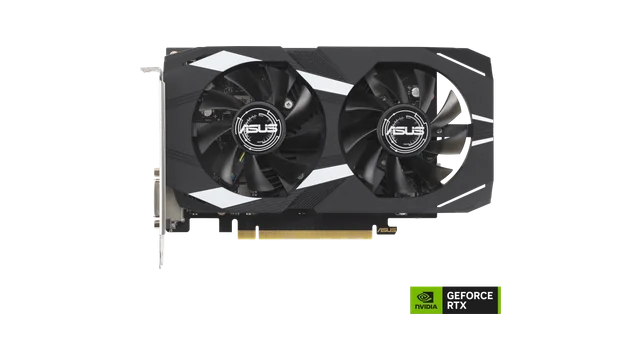
Show all 119
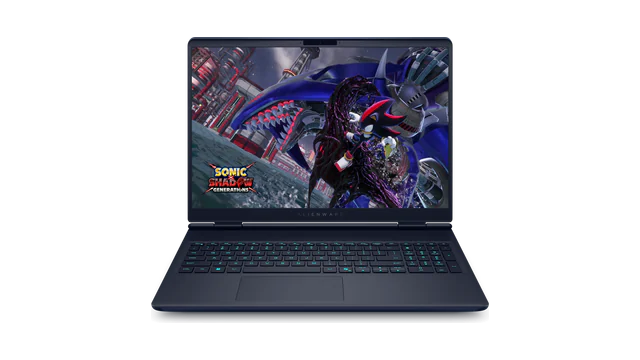
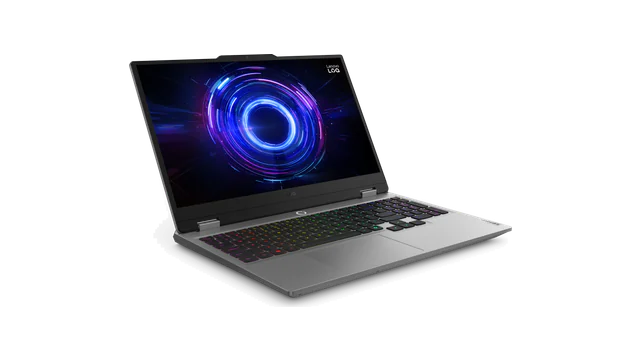
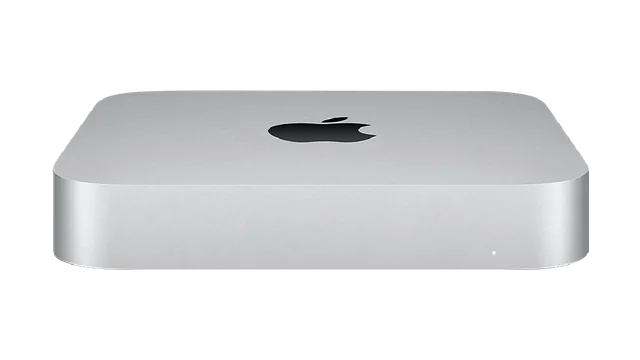
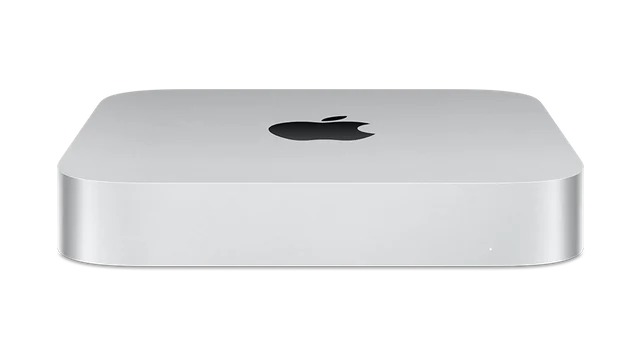
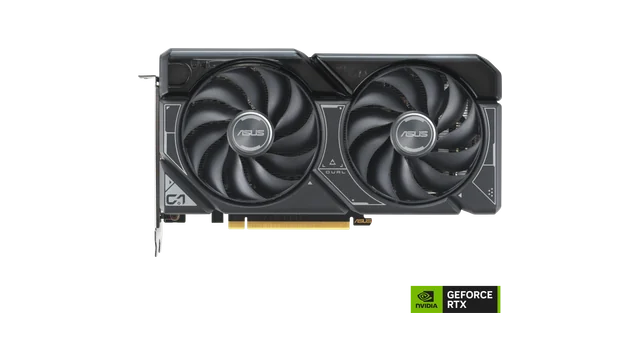
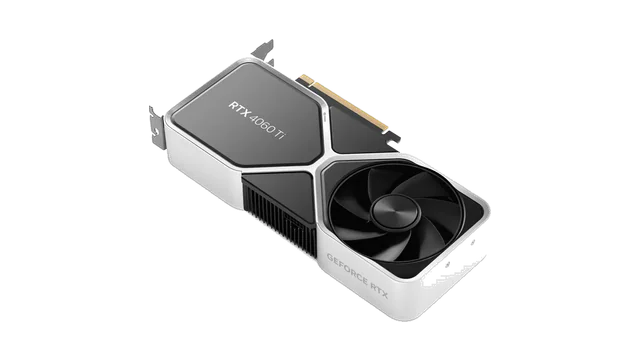
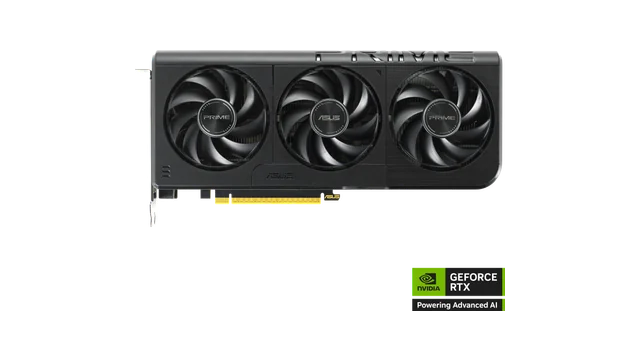
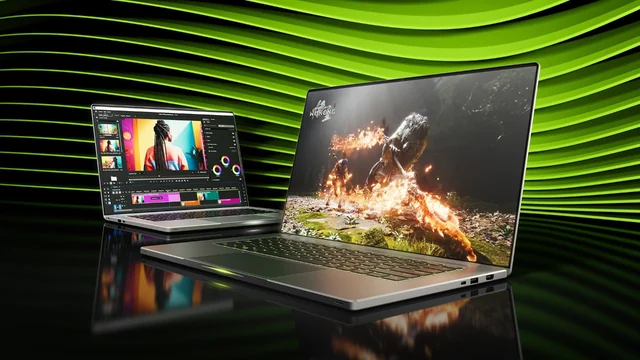



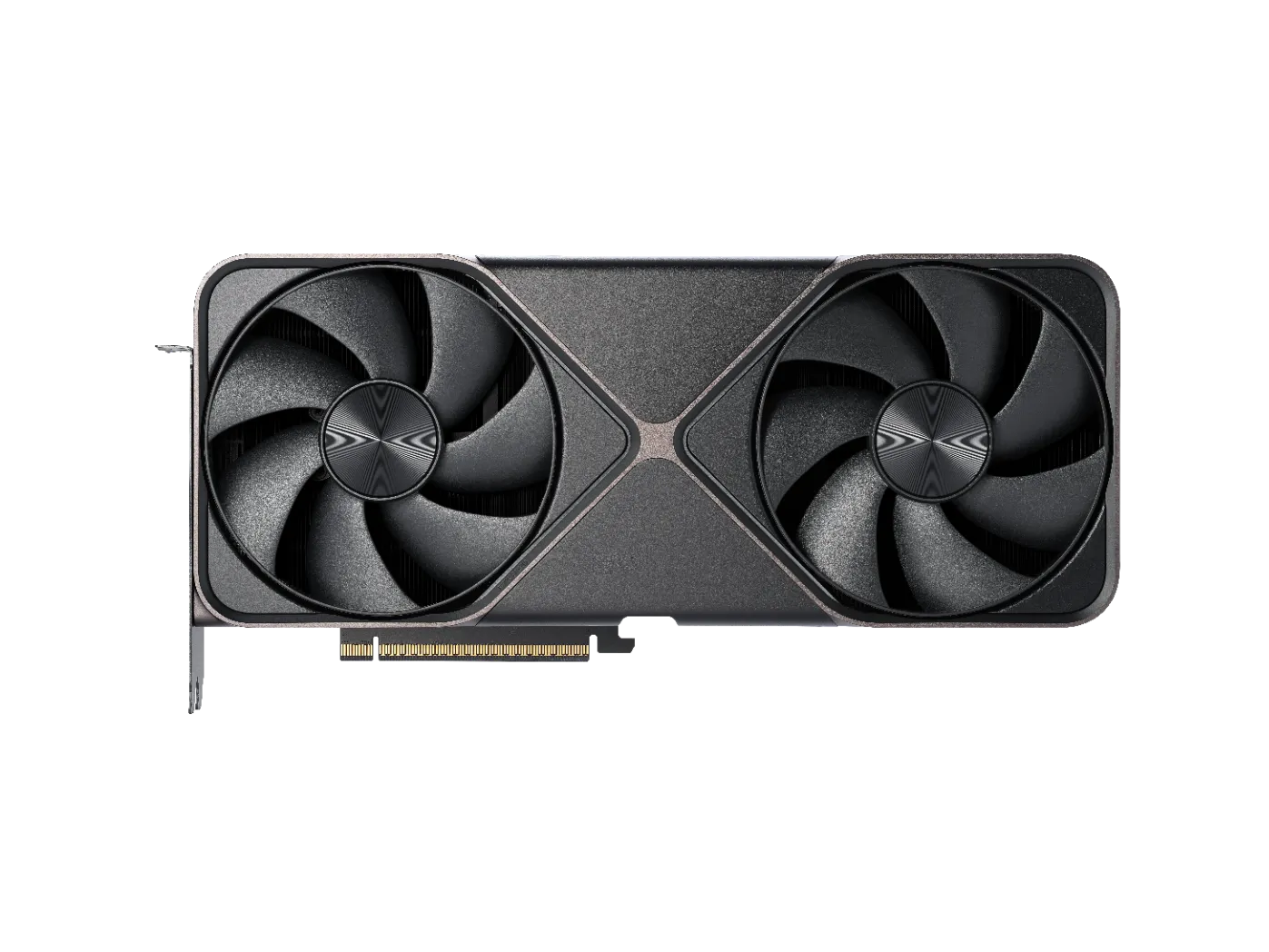
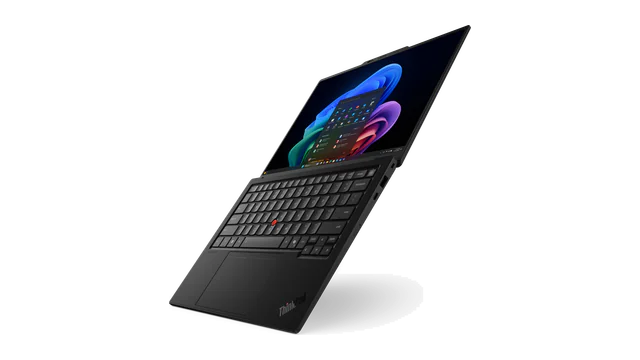
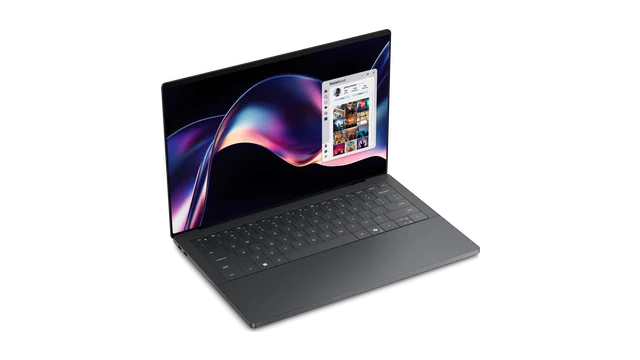
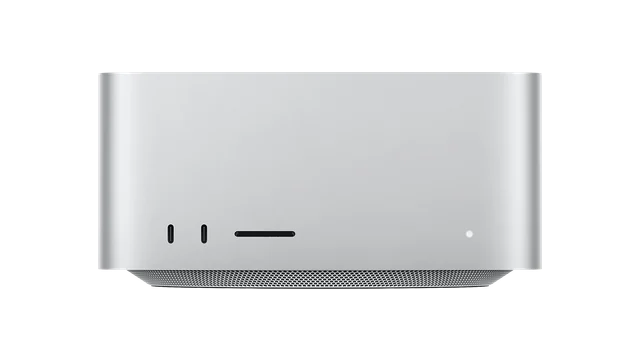
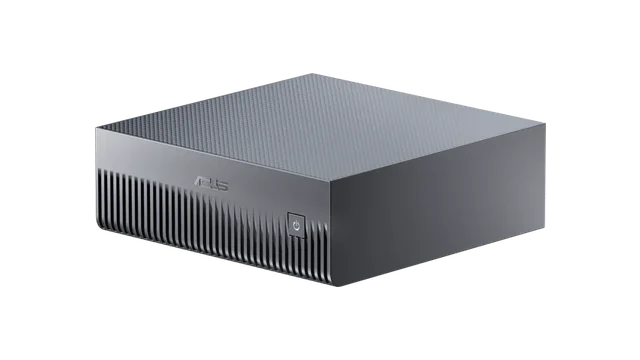
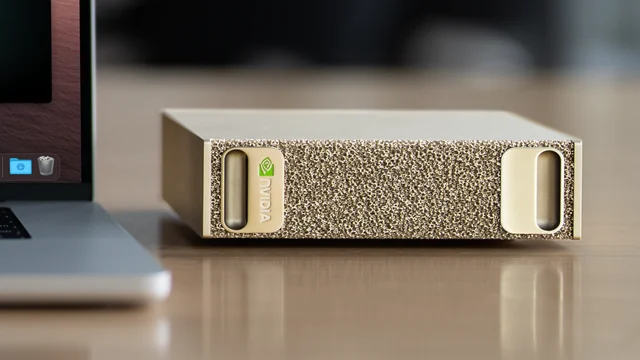
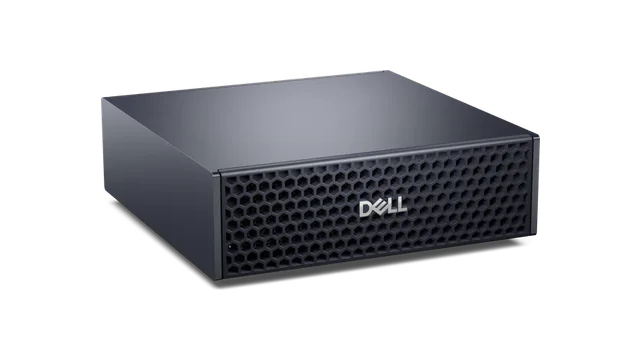
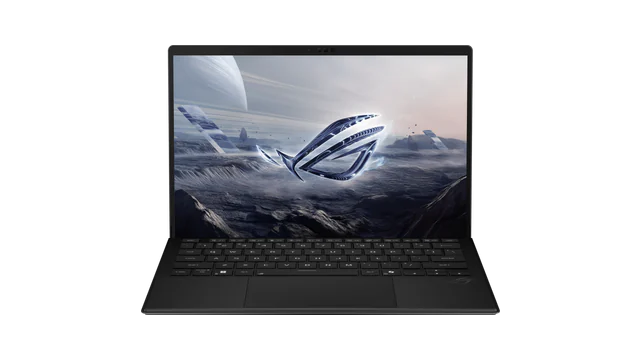
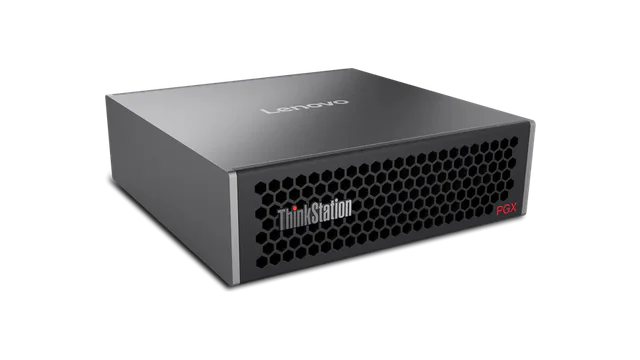
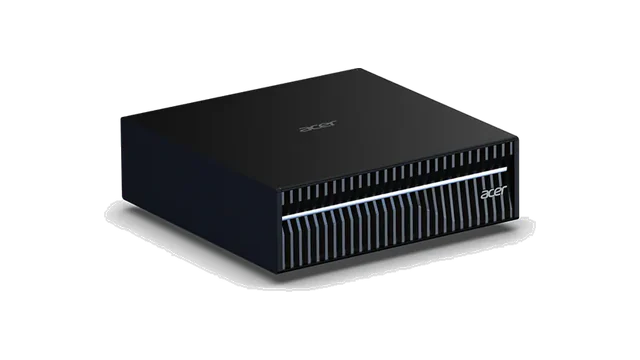
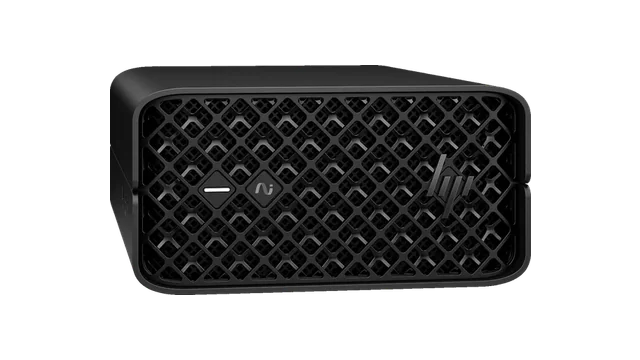
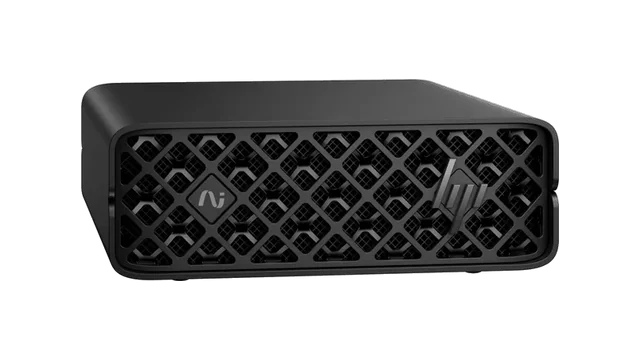
Hardware profiles grouped by the Q4 planning estimate on each machine (dedicated GPUs reserve 2 GB; unified and system memory 25%, 2 to 8 GB): the fast memory holds it, it is within memory but outside the fast part (layers offloaded to PC RAM, or above the macOS GPU share), or the machine is one memory tier short. Not a measured fit or speed.
OpenGVLab released InternVL2-2B on 2024-07-04: a vision-language model that answers about images, with 2.21B parameters on the Hugging Face count and the MIT license. Languages the publisher declares: Multilingual.
License: commercial use allowed. At Q4 the weights load about 1.7 GB before each machine's reserve; image resolution, video frames and context add memory, and the vision encoder needs support in the runtime you pick.
Measured speed
No published measurement for this checkpoint
Tokens per second are shown only when a source publishes them with hardware, build and setup. They are never estimated.
How to run
Runtime compatibility and tokens per second have not been measured for this entry. Published metadata and a memory estimate do not prove a successful local run.
Library in source: transformers
Documented ways to run it
Copied as printed in the linked source (read 2026-10-18); not run by this site.
import numpy as np
import torch
import torchvision.transforms as T
from decord import VideoReader, cpu
from PIL import Image
from torchvision.transforms.functional import InterpolationMode
from transformers import AutoModel, AutoTokenizer

IMAGENET_MEAN = (0.485, 0.456, 0.406)
IMAGENET_STD = (0.229, 0.224, 0.225)

def build_transform(input_size):
    MEAN, STD = IMAGENET_MEAN, IMAGENET_STD
    transform = T.Compose([
        T.Lambda(lambda img: img.convert('RGB') if img.mode != 'RGB' else img),
        T.Resize((input_size, input_size), interpolation=InterpolationMode.BICUBIC),
        T.ToTensor(),
        T.Normalize(mean=MEAN, std=STD)
    ])
    return transform

def find_closest_aspect_ratio(aspect_ratio, target_ratios, width, height, image_size):
    best_ratio_diff = float('inf')
    best_ratio = (1, 1)
    area = width * height
    for ratio in target_ratios:
        target_aspect_ratio = ratio[0] / ratio[1]
        ratio_diff = abs(aspect_ratio - target_aspect_ratio)
        if ratio_diff < best_ratio_diff:
            best_ratio_diff = ratio_diff
            best_ratio = ratio
        elif ratio_diff == best_ratio_diff:
            if area > 0.5 * image_size * image_size * ratio[0] * ratio[1]:
                best_ratio = ratio
    return best_ratio

def dynamic_preprocess(image, min_num=1, max_num=12, image_size=448, use_thumbnail=False):
    orig_width, orig_height = image.size
    aspect_ratio = orig_width / orig_height

    # calculate the existing image aspect ratio
    target_ratios = set(
        (i, j) for n in range(min_num, max_num + 1) for i in range(1, n + 1) for j in range(1, n + 1) if
        i * j <= max_num and i * j >= min_num)
    target_ratios = sorted(target_ratios, key=lambda x: x[0] * x[1])

    # find the closest aspect ratio to the target
    target_aspect_ratio = find_closest_aspect_ratio(
        aspect_ratio, target_ratios, orig_width, orig_height, image_size)

    # calculate the target width and height
    target_width = image_size * target_aspect_ratio[0]
    target_height = image_size * target_aspect_ratio[1]
    blocks = target_aspect_ratio[0] * target_aspect_ratio[1]

    # resize the image
    resized_img = image.resize((target_width, target_height))
    processed_images = []
    for i in range(blocks):
        box = (
            (i % (target_width // image_size)) * image_size,
            (i // (target_width // image_size)) * image_size,
            ((i % (target_width // image_size)) + 1) * image_size,
            ((i // (target_width // image_size)) + 1) * image_size
        )
        # split the image
        split_img = resized_img.crop(box)
        processed_images.append(split_img)
    assert len(processed_images) == blocks
    if use_thumbnail and len(processed_images) != 1:
        thumbnail_img = image.resize((image_size, image_size))
        processed_images.append(thumbnail_img)
    return processed_images

def load_image(image_file, input_size=448, max_num=12):
    image = Image.open(image_file).convert('RGB')
    transform = build_transform(input_size=input_size)
    images = dynamic_preprocess(image, image_size=input_size, use_thumbnail=True, max_num=max_num)
    pixel_values = [transform(image) for image in images]
    pixel_values = torch.stack(pixel_values)
    return pixel_values

# If you want to load a model using multiple GPUs, please refer to the `Multiple GPUs` section.
path = 'OpenGVLab/InternVL2-2B'
model = AutoModel.from_pretrained(
    path,
    torch_dtype=torch.bfloat16,
    low_cpu_mem_usage=True,
    use_flash_attn=True,
    trust_remote_code=True).eval().cuda()
tokenizer = AutoTokenizer.from_pretrained(path, trust_remote_code=True, use_fast=False)

# set the max number of tiles in `max_num`
pixel_values = load_image('./examples/image1.jpg', max_num=12).to(torch.bfloat16).cuda()
generation_config = dict(max_new_tokens=1024, do_sample=True)

# pure-text conversation (纯文本对话)
question = 'Hello, who are you?'
response, history = model.chat(tokenizer, None, question, generation_config, history=None, return_history=True)
print(f'User: {question}\nAssistant: {response}')

question = 'Can you tell me a story?'
response, history = model.chat(tokenizer, None, question, generation_config, history=history, return_history=True)
print(f'User: {question}\nAssistant: {response}')

# single-image single-round conversation (单图单轮对话)
question = '<image>\nPlease describe the image shortly.'
response = model.chat(tokenizer, pixel_values, question, generation_config)
print(f'User: {question}\nAssistant: {response}')

# single-image multi-round conversation (单图多轮对话)
question = '<image>\nPlease describe the image in detail.'
response, history = model.chat(tokenizer, pixel_values, question, generation_config, history=None, return_history=True)
print(f'User: {question}\nAssistant: {response}')

question = 'Please write a poem according to the image.'
response, history = model.chat(tokenizer, pixel_values, question, generation_config, history=history, return_history=True)
print(f'User: {question}\nAssistant: {response}')

# multi-image multi-round conversation, combined images (多图多轮对话,拼接图像)
pixel_values1 = load_image('./examples/image1.jpg', max_num=12).to(torch.bfloat16).cuda()
pixel_values2 = load_image('./examples/image2.jpg', max_num=12).to(torch.bfloat16).cuda()
pixel_values = torch.cat((pixel_values1, pixel_values2), dim=0)

question = '<image>\nDescribe the two images in detail.'
response, history = model.chat(tokenizer, pixel_values, question, generation_config,
                               history=None, return_history=True)
print(f'User: {question}\nAssistant: {response}')

question = 'What are the similarities and differences between these two images.'
response, history = model.chat(tokenizer, pixel_values, question, generation_config,
                               history=history, return_history=True)
print(f'User: {question}\nAssistant: {response}')

# multi-image multi-round conversation, separate images (多图多轮对话,独立图像)
pixel_values1 = load_image('./examples/image1.jpg', max_num=12).to(torch.bfloat16).cuda()
pixel_values2 = load_image('./examples/image2.jpg', max_num=12).to(torch.bfloat16).cuda()
pixel_values = torch.cat((pixel_values1, pixel_values2), dim=0)
num_patches_list = [pixel_values1.size(0), pixel_values2.size(0)]

question = 'Image-1: <image>\nImage-2: <image>\nDescribe the two images in detail.'
response, history = model.chat(tokenizer, pixel_values, question, generation_config,
                               num_patches_list=num_patches_list,
                               history=None, return_history=True)
print(f'User: {question}\nAssistant: {response}')

question = 'What are the similarities and differences between these two images.'
response, history = model.chat(tokenizer, pixel_values, question, generation_config,
                               num_patches_list=num_patches_list,
                               history=history, return_history=True)
print(f'User: {question}\nAssistant: {response}')

# batch inference, single image per sample (单图批处理)
pixel_values1 = load_image('./examples/image1.jpg', max_num=12).to(torch.bfloat16).cuda()
pixel_values2 = load_image('./examples/image2.jpg', max_num=12).to(torch.bfloat16).cuda()
num_patches_list = [pixel_values1.size(0), pixel_values2.size(0)]
pixel_values = torch.cat((pixel_values1, pixel_values2), dim=0)

questions = ['<image>\nDescribe the image in detail.'] * len(num_patches_list)
responses = model.batch_chat(tokenizer, pixel_values,
                             num_patches_list=num_patches_list,
                             questions=questions,
                             generation_config=generation_config)
for question, response in zip(questions, responses):
    print(f'User: {question}\nAssistant: {response}')

# video multi-round conversation (视频多轮对话)
def get_index(bound, fps, max_frame, first_idx=0, num_segments=32):
    if bound:
        start, end = bound[0], bound[1]
    else:
        start, end = -100000, 100000
    start_idx = max(first_idx, round(start * fps))
    end_idx = min(round(end * fps), max_frame)
    seg_size = float(end_idx - start_idx) / num_segments
    frame_indices = np.array([
        int(start_idx + (seg_size / 2) + np.round(seg_size * idx))
        for idx in range(num_segments)
    ])
    return frame_indices

def load_video(video_path, bound=None, input_size=448, max_num=1, num_segments=32):
    vr = VideoReader(video_path, ctx=cpu(0), num_threads=1)
    max_frame = len(vr) - 1
    fps = float(vr.get_avg_fps())

    pixel_values_list, num_patches_list = [], []
    transform = build_transform(input_size=input_size)
    frame_indices = get_index(bound, fps, max_frame, first_idx=0, num_segments=num_segments)
    for frame_index in frame_indices:
        img = Image.fromarray(vr[frame_index].asnumpy()).convert('RGB')
        img = dynamic_preprocess(img, image_size=input_size, use_thumbnail=True, max_num=max_num)
        pixel_values = [transform(tile) for tile in img]
        pixel_values = torch.stack(pixel_values)
        num_patches_list.append(pixel_values.shape[0])
        pixel_values_list.append(pixel_values)
    pixel_values = torch.cat(pixel_values_list)
    return pixel_values, num_patches_list

video_path = './examples/red-panda.mp4'
pixel_values, num_patches_list = load_video(video_path, num_segments=8, max_num=1)
pixel_values = pixel_values.to(torch.bfloat16).cuda()
video_prefix = ''.join([f'Frame{i+1}: <image>\n' for i in range(len(num_patches_list))])
question = video_prefix + 'What is the red panda doing?'
# Frame1: <image>\nFrame2: <image>\n...\nFrame8: <image>\n{question}
response, history = model.chat(tokenizer, pixel_values, question, generation_config,
                               num_patches_list=num_patches_list, history=None, return_history=True)
print(f'User: {question}\nAssistant: {response}')

question = 'Describe this video in detail.'
response, history = model.chat(tokenizer, pixel_values, question, generation_config,
                               num_patches_list=num_patches_list, history=history, return_history=True)
print(f'User: {question}\nAssistant: {response}')from lmdeploy import pipeline, TurbomindEngineConfig
from lmdeploy.vl import load_image
model = 'OpenGVLab/InternVL2-2B'
image = load_image('https://raw.githubusercontent.com/open-mmlab/mmdeploy/main/tests/data/tiger.jpeg')
pipe = pipeline(model, backend_config=TurbomindEngineConfig(session_len=8192))
response = pipe(('describe this image', image))
print(response.text)Technical details
What the source and the catalog store for this checkpoint. Missing fields are left out, never zero.
- Checkpoint / source
- OpenGVLab/InternVL2-2B
- Task
- image-text-to-text
- Architecture
- InternVLChatModel
- Library in source
- transformers
- Weight license
- MITOpenGVLab/InternVL2-2B model card (Hugging Face) · read 2026-10-18source
- Commercial use
- Allowed MIT license text (SPDX) · read 2026-10-18license text
- Languages
- MultilingualModel card metadata · read 2026-10-25source
- Released
- InternVL README news (GitHub) · read 2026-10-18source
Every stored field
- Revision checked
- e4f6747bd20f139e637642c6a058c6bd00b36919
- Architecture
- InternVLChatModel
- Library
- transformers
- Hub task tag
- image-text-to-text
- Declared base models
- OpenGVLab/InternViT-300M-448px · internlm/internlm2-chat-1_8b
- Formats
- transformers, safetensors
- Access
- Open download
- Publisher kind
- Official
- Hub parameter count
- 2,205,754,368safetensors.total
- Repository created
- 2024-06-27creation is not the model's release
- Repository updated
- 2025-03-25a commit is not a release date
- Hub downloads (30 days) · likes
- 240,743 · 83this repository only · read 2026-10-25
- Catalog state
- Hub config or weights found; no inventory benchmark link
Sources
Identity and published specifications come from the checkpoint page. Benchmark scores belong to the named release and do not measure speed on your computer.
- Publisher model card
- License: OpenGVLab/InternVL2-2B model card (Hugging Face)
- Release date: InternVL README news (GitHub)
Curated facts checked: 2026-10-18. The license and release date cite the publisher's sources; parameters, files and task come from the Hugging Face record, and memory is a labelled estimate from its parameter count. A value no source states stays empty; a repository commit is not a model release date.