HARDWARE / LOCAL AI

RTX 5070 Ti · 16 GB VRAM

This profile is the desktop 16 GB RTX 5070 Ti. System RAM is separate; add-in-card specifications may vary by manufacturer.

Memory
16 GB · VRAM
Platform
CUDA · host PC
Memory bandwidth
896 GB/s
Specifications and sources ↓
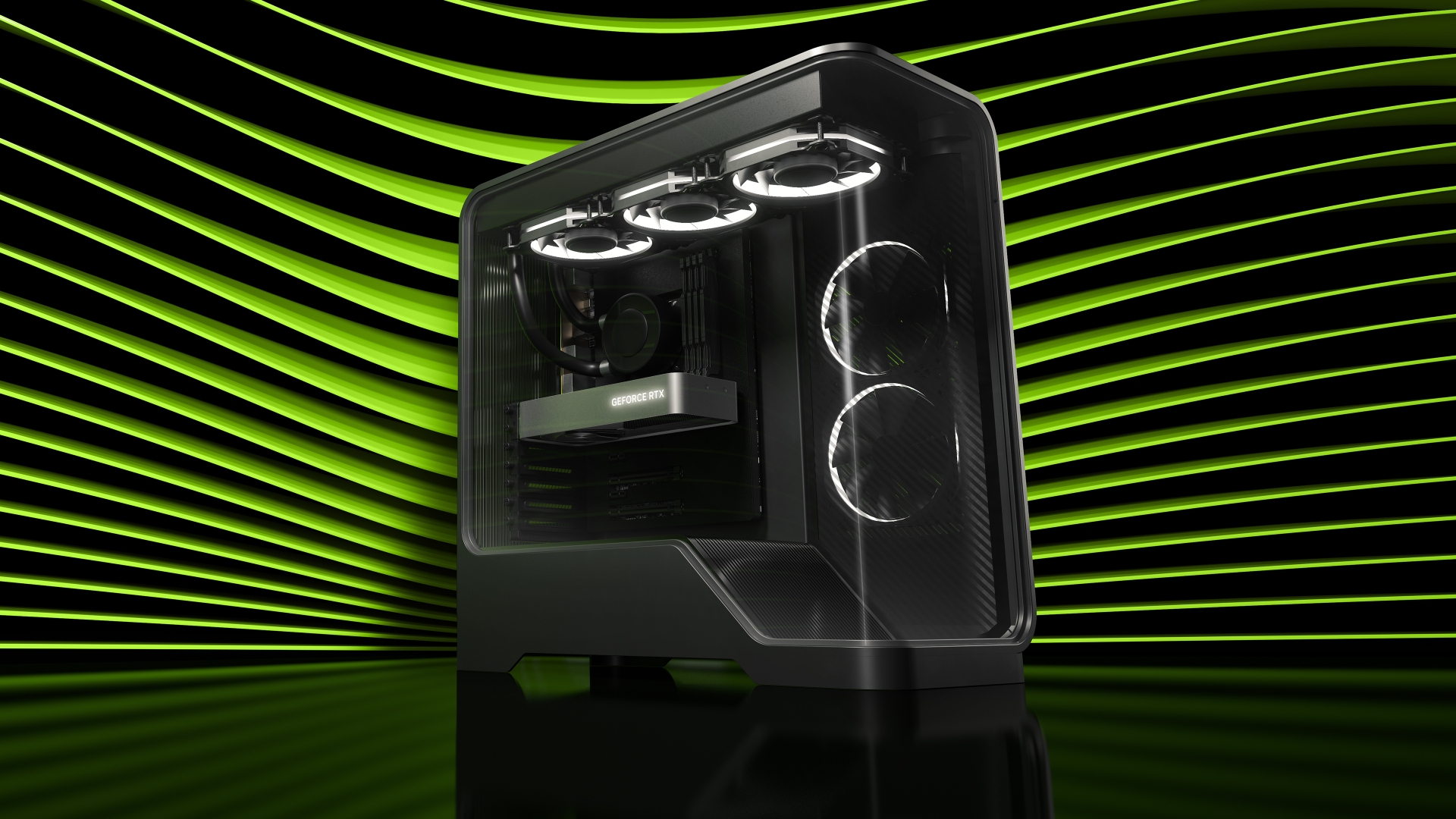
NVIDIA GeForce reference image for RTX 5070 Ti 16 GB
Official NVIDIA reference image; partner board designs vary.

Some sources unavailable; last valid data retained. Catalog checked: 2026-09-30.

Your configuration

Candidate models

Explore models within your memory budget, with scored models first.

Planning capacity16 GB
Configuration

Estimation settings

llama.cpp setup documentation · Needs a supported architecture and GGUF checkpoint; choose the correct hardware backend. Choosing a runtime does not verify model compatibility. System RAM does not evaluate loading peaks or offload.

Planning uses quantized weights, 20% working allowance, your cache budget and a system reserve. The cache budget is not calculated from token count. Runtime compatibility, loading peaks and local quality require verification.

Changes apply immediately.

Host RAM is recorded separately. It does not increase dedicated GPU VRAM in this fit estimate; CPU offload needs compatible software and can be slower.

Recommendations

Models within this memory estimate

156 candidates within the estimate · 247 checked · 16 GB

Memory estimates, not tested compatibility. This LiveBench release does not cover these candidates; the order is not an intelligence ranking.

Showing 6 of 156
Language models · same estimation settings for every row
Q4 · GBContext limitSelect / source
Alibaba · 9B parameters · reviewedMemory estimate · No LiveBench resultHeadroom: 5 GB262,144
Qwen · 14.77B tensor elements · automaticMemory estimate · No LiveBench resultHeadroom: 0 GB32,768Source ↗
meta-llama · 8.03B tensor elements · automatic · access approvalMemory estimate · No LiveBench resultHeadroom: 5 GB128,000Source ↗
Qwen · 8.19B tensor elements · automaticMemory estimate · No LiveBench resultHeadroom: 5 GB32,768Source ↗
Qwen · 4.02B tensor elements · automaticMemory estimate · No LiveBench resultHeadroom: 8 GB32,768Source ↗
meta-llama · 3.21B tensor elements · automatic · access approvalMemory estimate · No LiveBench resultHeadroom: 9 GB128,000Source ↗
Memory composition

Local measurements

Check local speed · import a benchmark

Run an optional test on your own machine, then import the JSON file. This website does not run inference or upload the file. Results remain in this tab and are not automatically matched to recommendations.

llama-bench -m /path/to/model.gguf -p 512 -n 128 -d 8192 -r 5 -o json > benchmark.json

Replace the example path with an existing GGUF checkpoint. Requires llama-bench installed locally. Tokenization and sampling are excluded from its timing.

Speed on this hardware

We have not yet included a verifiable measurement for this exact configuration. The memory estimates above do not indicate tokens per second or time to first token.

Browse llama.cpp community benchmarks ↗

Image, video and audio

Publisher-documented memory requirements below this capacity. Exact GPU architecture, ARM64 support, precision and runtime still need checking.

Hardware specifications

Chip
Blackwell · RTX 5070 Ti
Physical memory
16 GB GDDR7 · 256-bit
Execution platform
CUDA · host PC
Memory bandwidth
896 GB/s · manufacturer ↗

Desktop RTX 5070 Ti with 16 GB GDDR7. Capacity alone does not establish local throughput; verify runtime and checkpoint format.

Official specifications ↗

Bandwidth is a theoretical hardware specification, not a model speed measurement. Runtime and checkpoint compatibility must be checked separately.

Sources, updates and estimation

Reviewed candidates use published model counts. Automatic candidates use floating tensor counts from official Hugging Face repositories, with source revision retained. Packed quantized weights, unsupported architectures and multimodal metadata are excluded from automatic estimation. Neither route proves that a quantized checkpoint is available or runs on this machine.

The existing discovery schedule adds eligible models without creating another hardware page. The page checks the saved catalog every five minutes while visible. Missing metadata stays in the full catalog; a failed update retains the last valid data.

Planning = estimated weights + 20% working allowance + entered cache budget + a heuristic reserve (8 GB unified or 2 GB per dedicated GPU). These reserves are planning assumptions, not manufacturer minimums. Context tokens do not automatically calculate KV cache.

Full model catalog · Data and methodology

Hardware specification reviewed: 2026-09-26. Model and measurement sources have their own timestamps.